Setup Links for Ory Polis
The Setup link is used to create a shareable link that can be used to create an SSO Connection without exposing any sensitive information. Let's go through the steps to create a new Setup link
Create Setup link
You can create a new Setup link for SSO from the Connections page using New Setup Link button
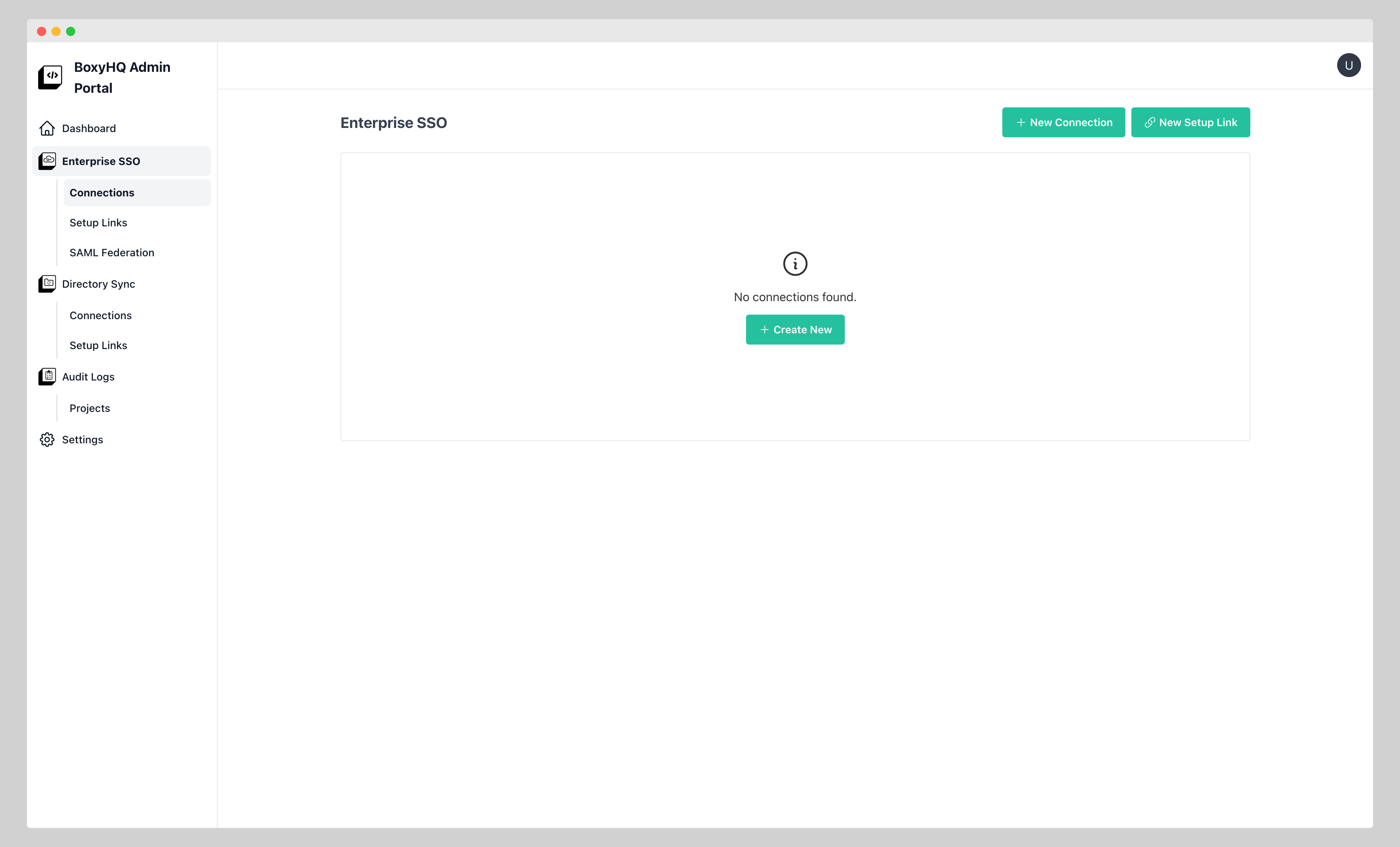
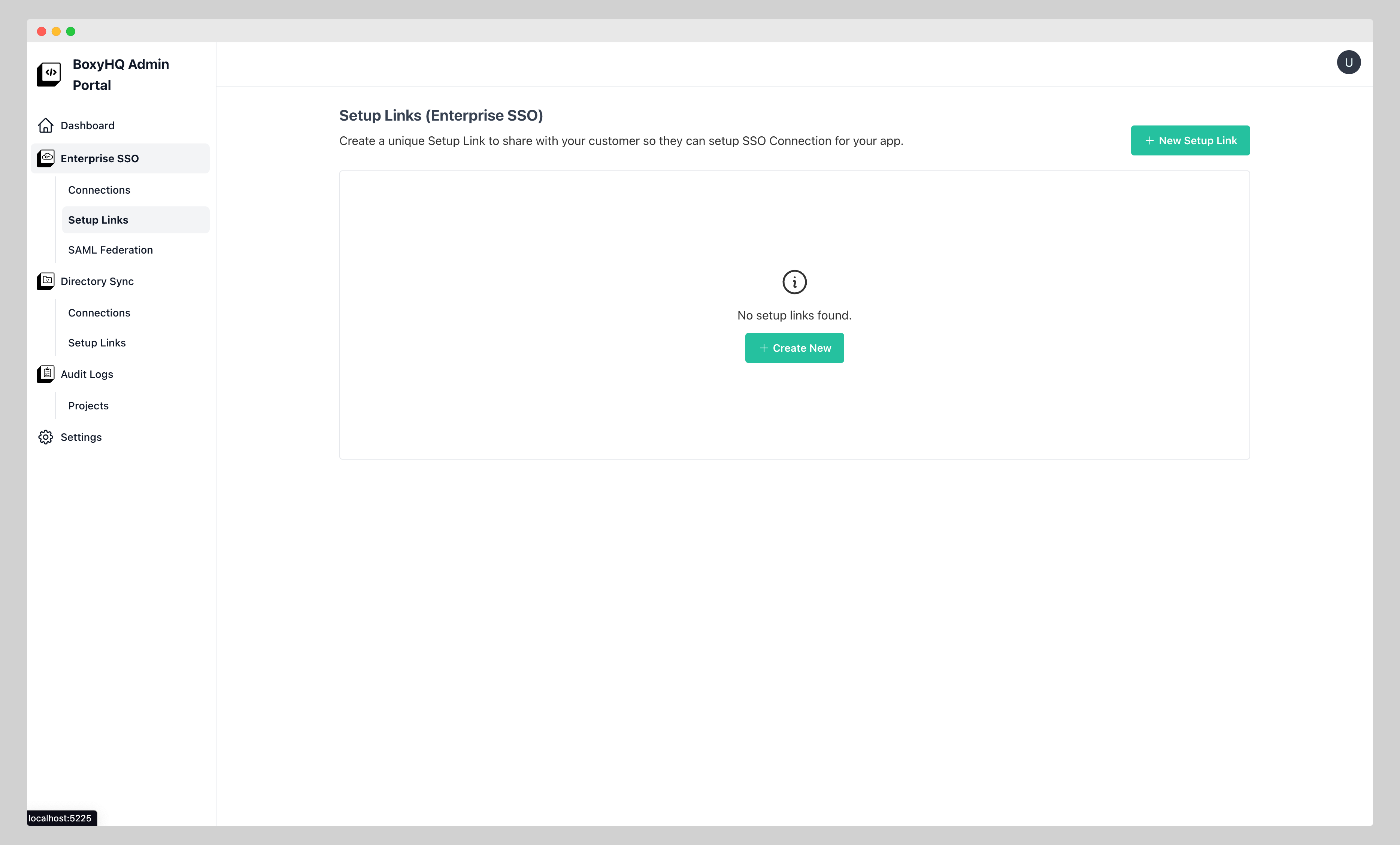
Another way is to go to the Setup Links section under Enterprise SSO menu and Click on Create New/New Setup Link button
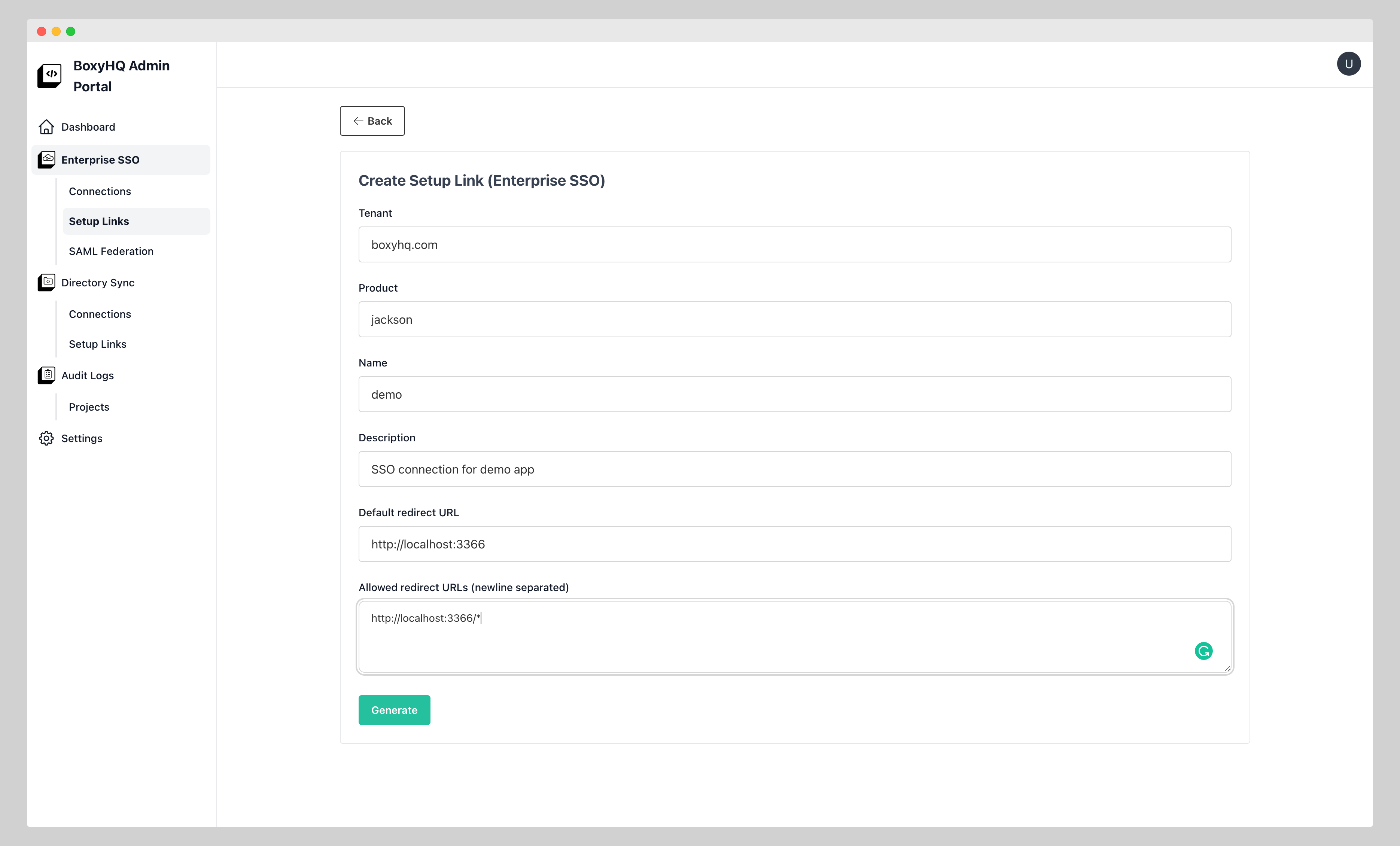
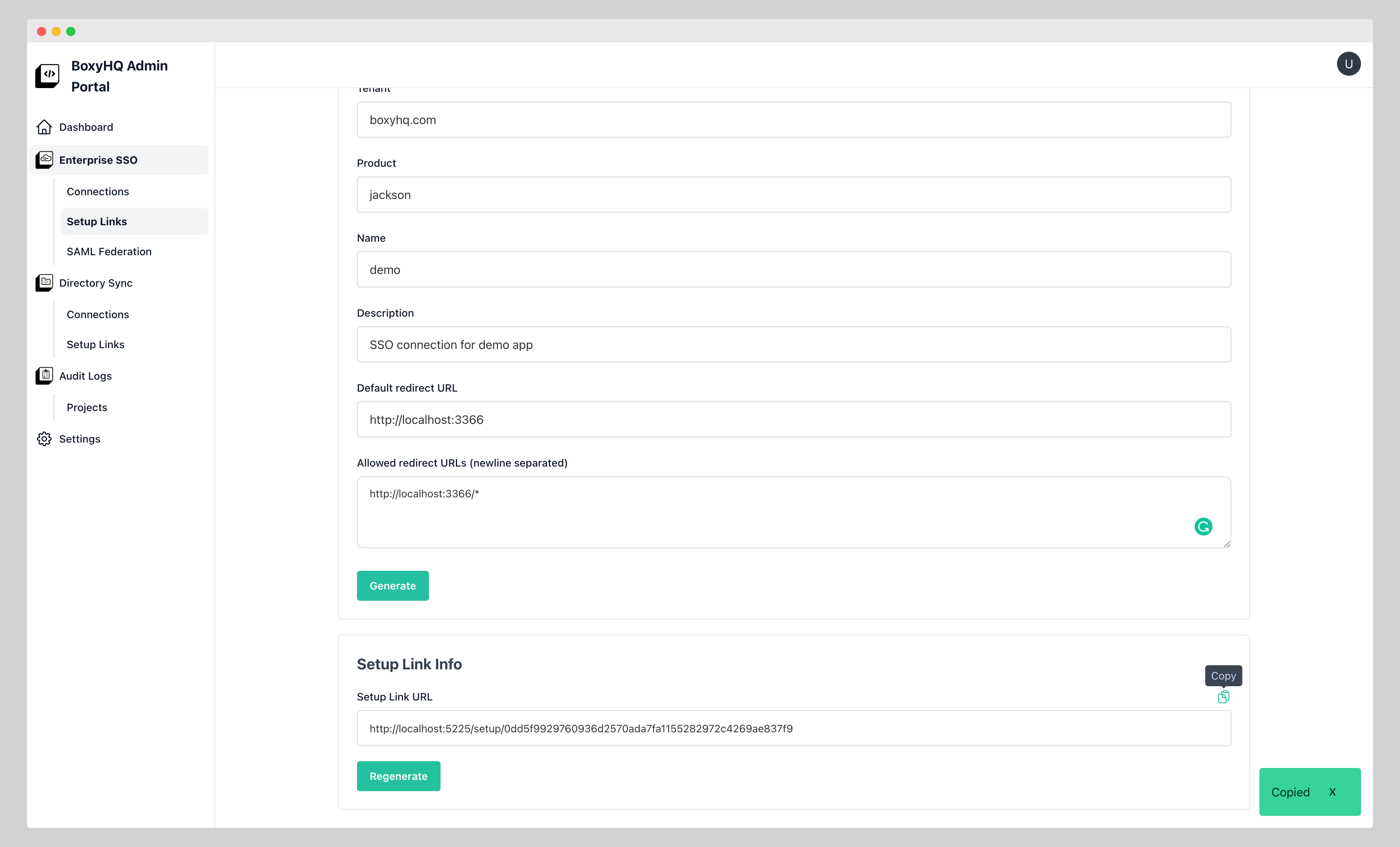
The create Setup Link for SSO page looks like below
Once the link is created you can see the the link info section at the bottom
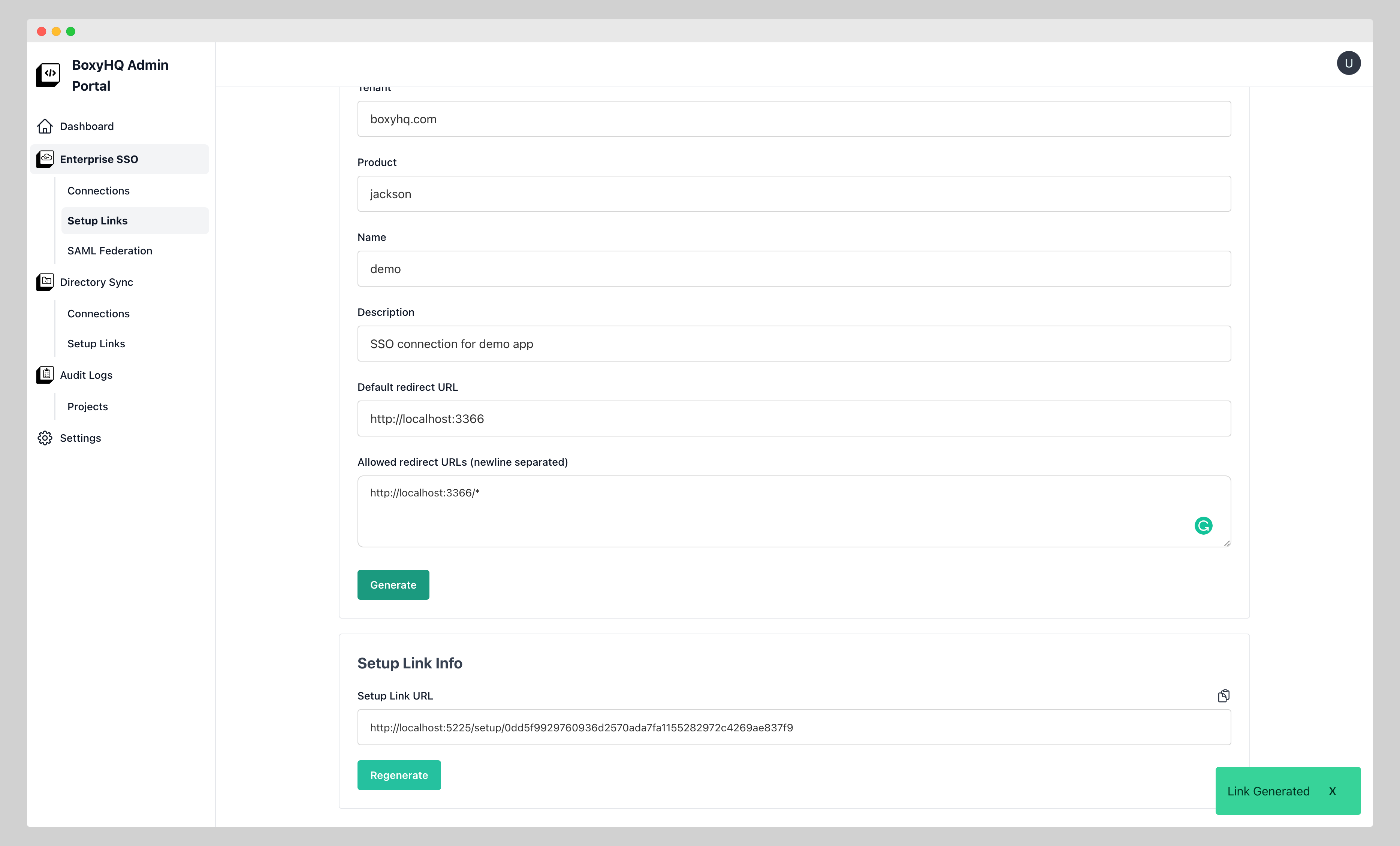
You can copy the link by clicking on the Copy button
Regenerate link
You can regenerate the link by clicking on Regenerate button
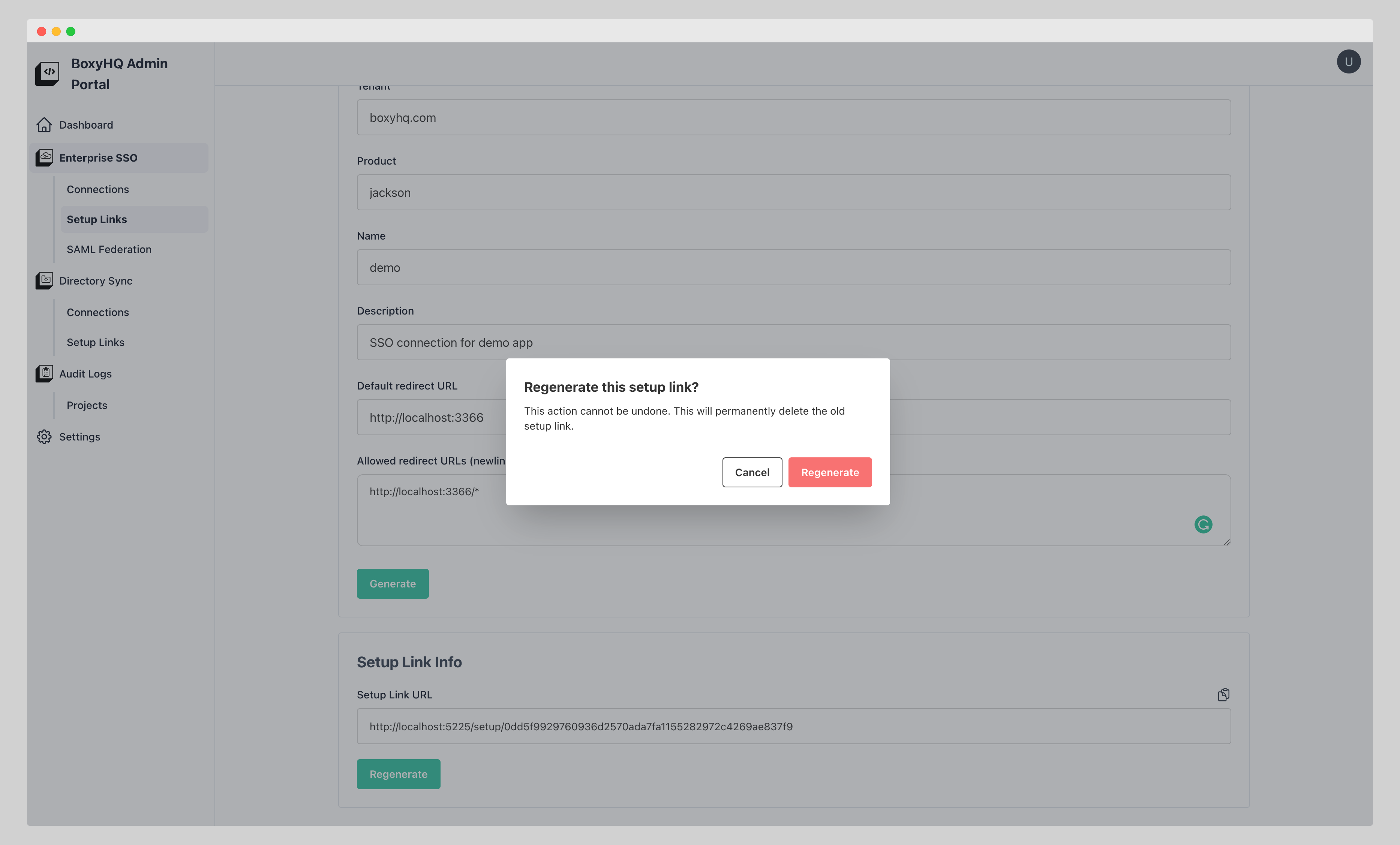
Once you confirm Regenerate action you will see the new setup link in the link info section
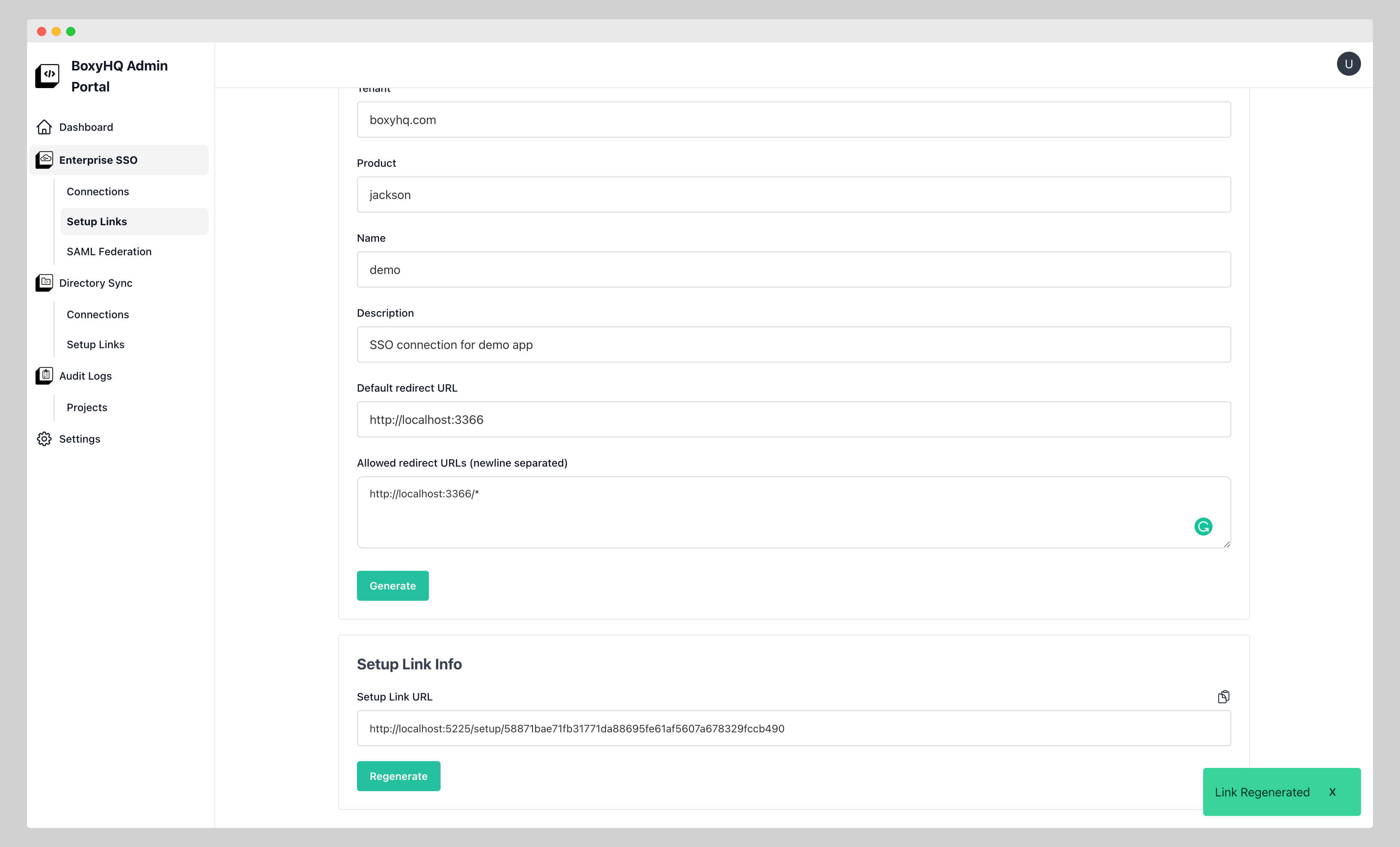
Regenerating issues a new URL and invalidates the previous one straight away. Share the new link with whoever is setting up the connection: a URL copied from the link info section earlier no longer opens the setup page.
Setup links expire, three days after creation by default. Creating a setup link for a tenant and product whose link has already expired renews it, and renewal behaves like regenerating — you get a new URL, and the expired one stays invalid.
The same applies to the /api/v1/sso/setuplinks endpoint: it returns the current link unchanged while that link is still valid,
and issues a new URL when you pass regenerate: true or when the existing link has expired.
To read or delete a link through /api/v1/sso/setuplinks, pass its id, or the tenant and product it was created for. A
request with neither is rejected with a 400, and so is a GET /api/v1/sso/setuplinks/product request without a product.
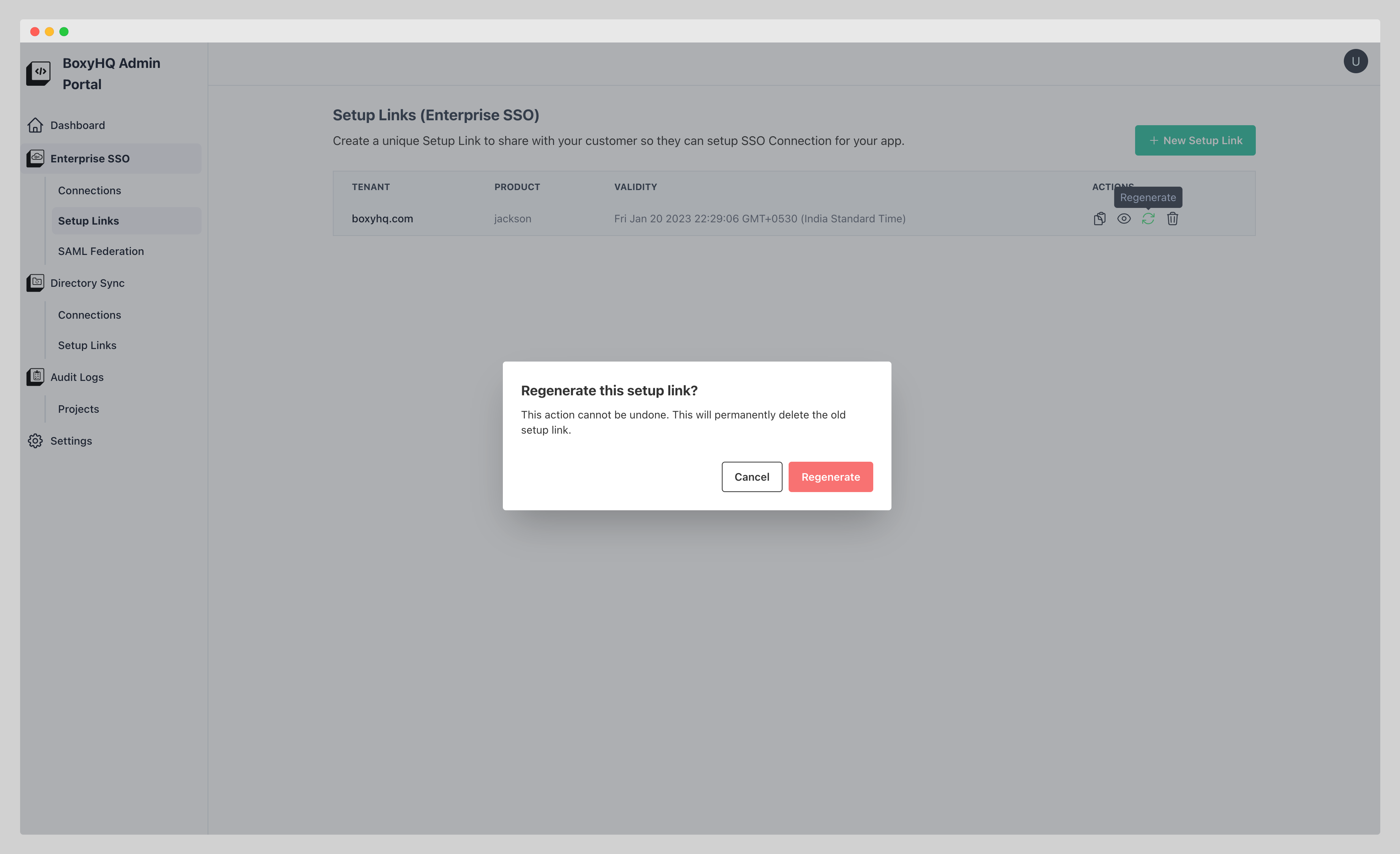
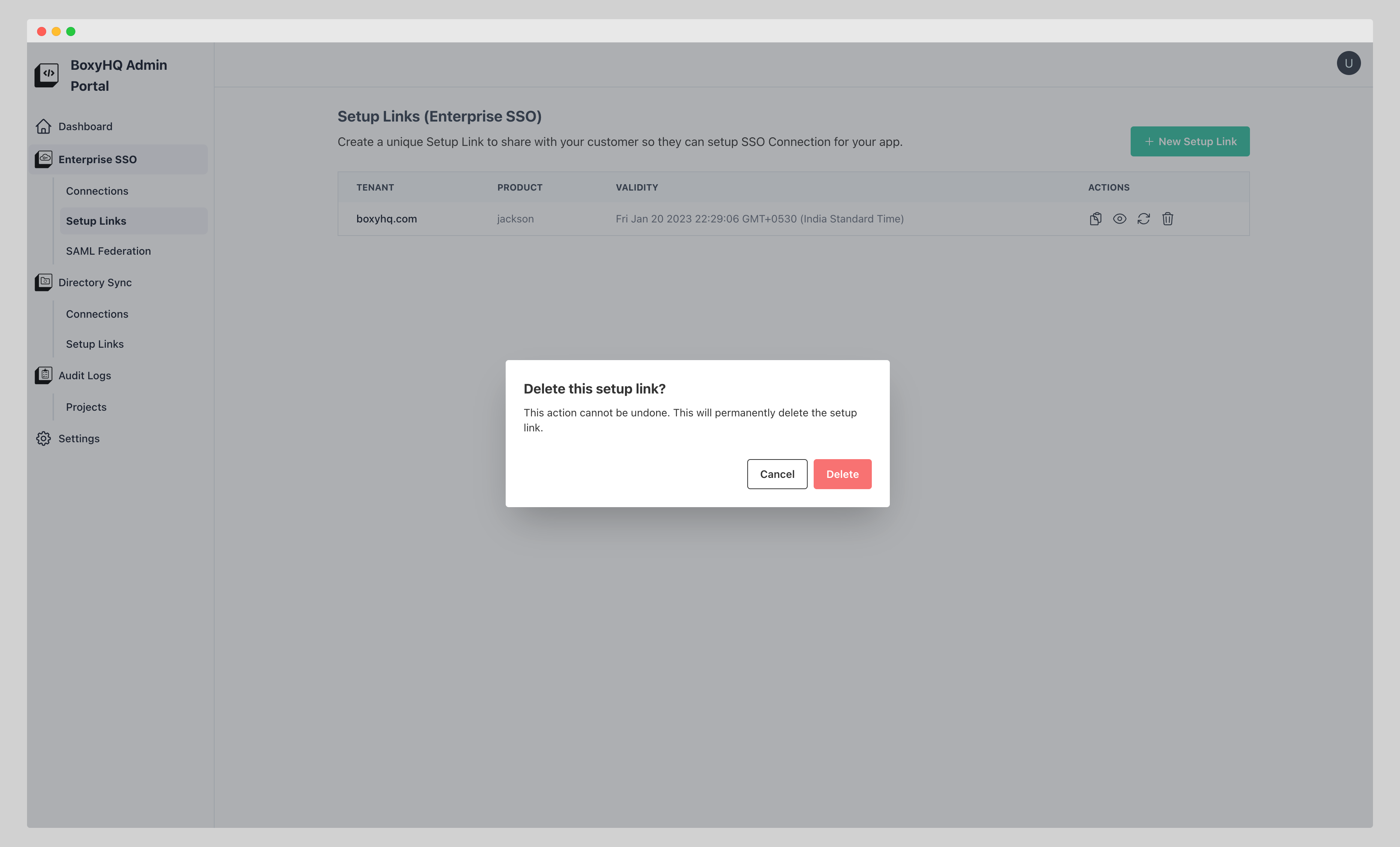
Actions from setup link list page
You can perform ACTIONS like Copy, View, Regenerate & Delete from this page
Regenerate
Delete
Setup link page
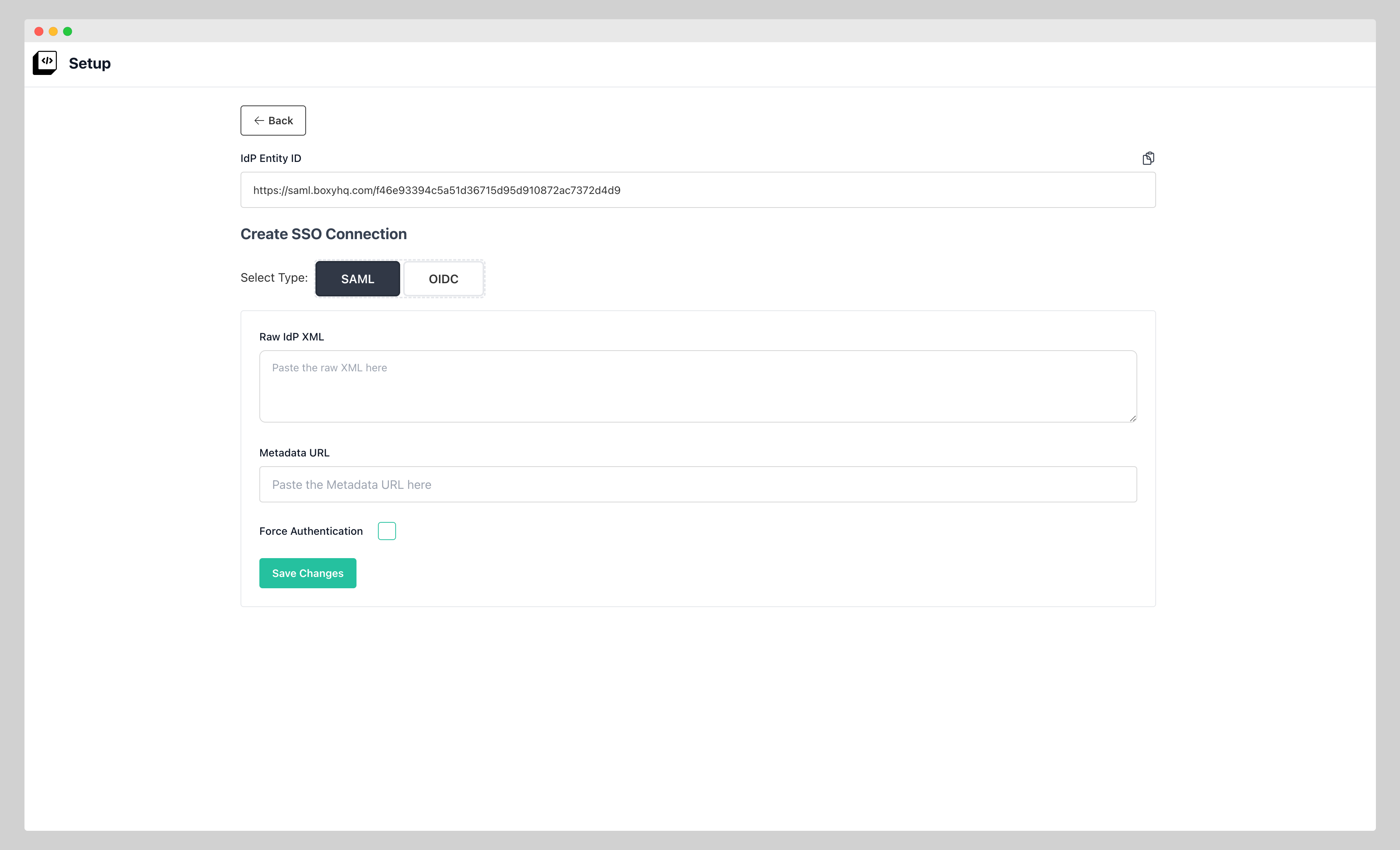
When you open the setup link you will land on the SSO Connection create section as there are no connections to show.
Create SSO Connection with setup link
You can create a SSO Connection by filling the details.
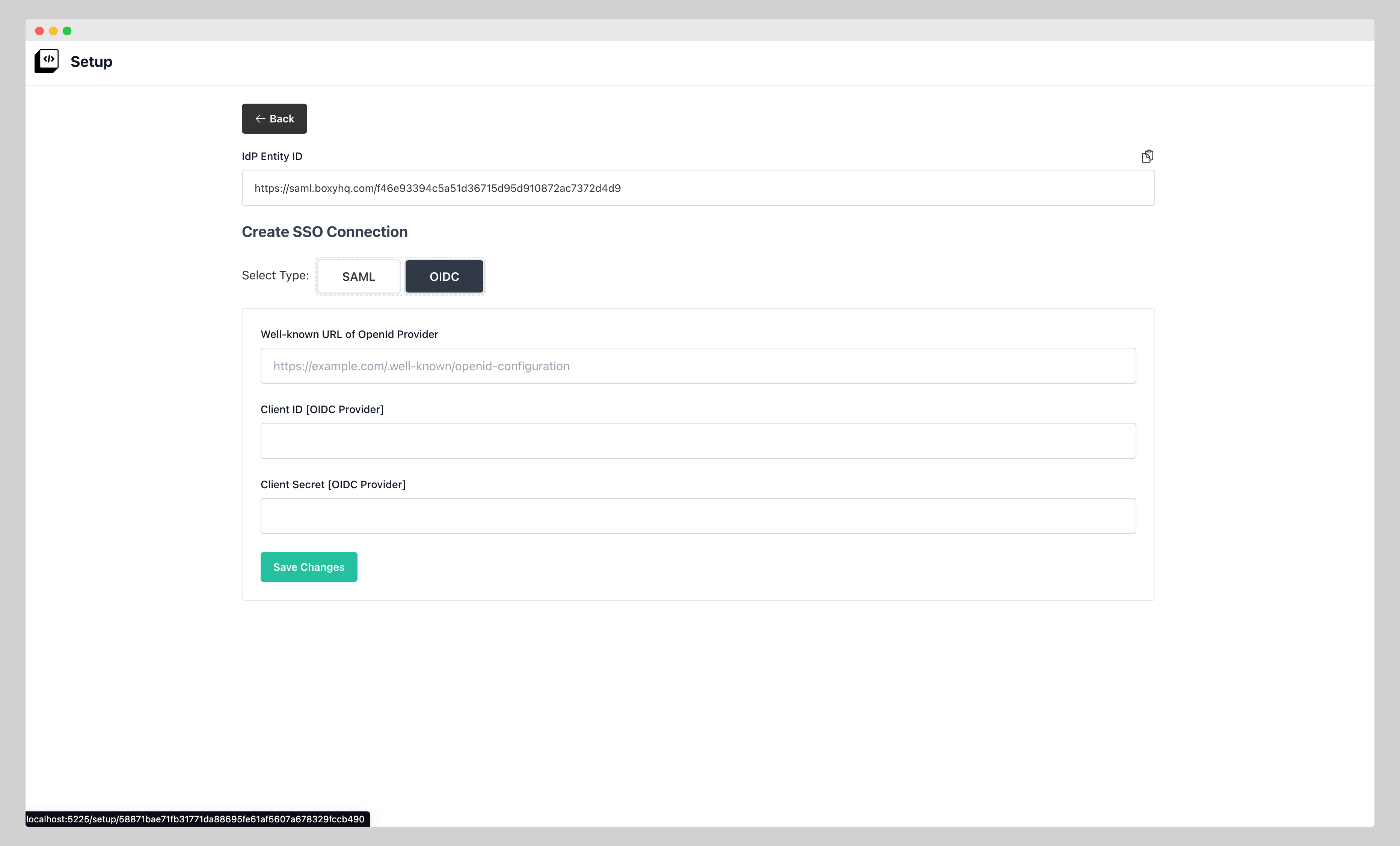
As you can see that setup link makes it super easy & safe to create SSO Connections.