What’s changing
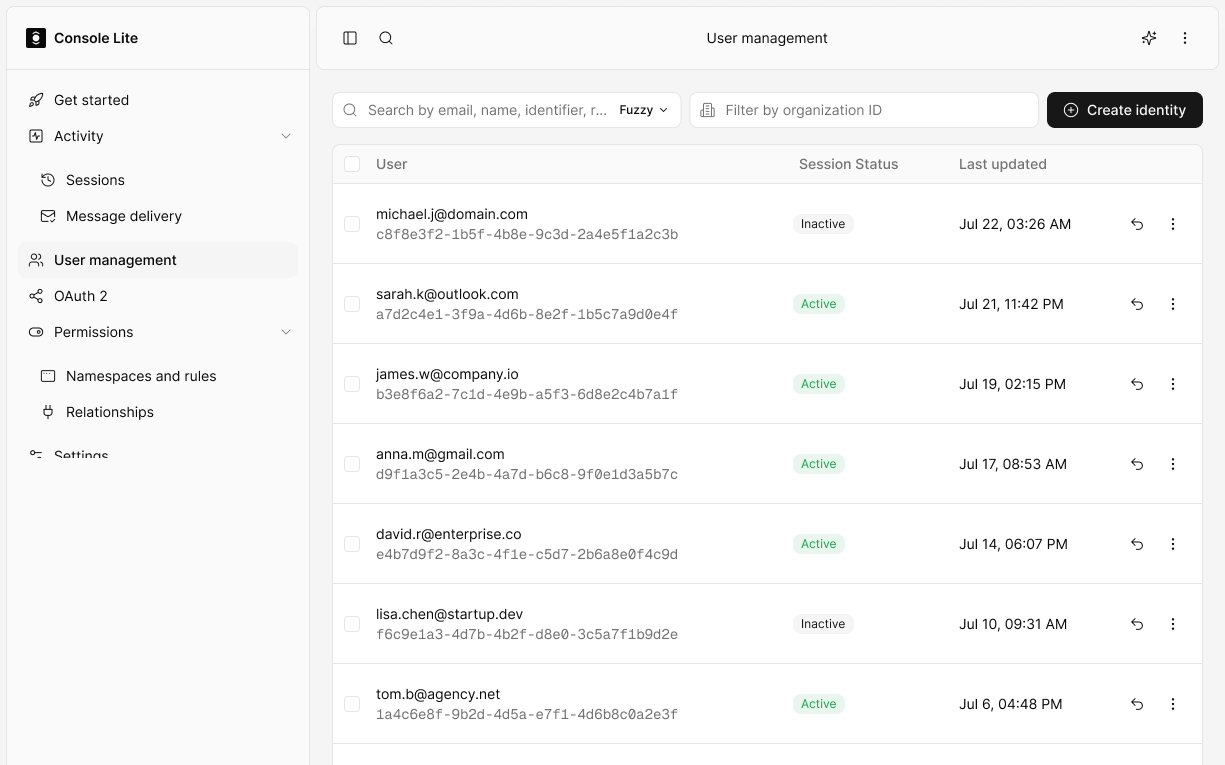
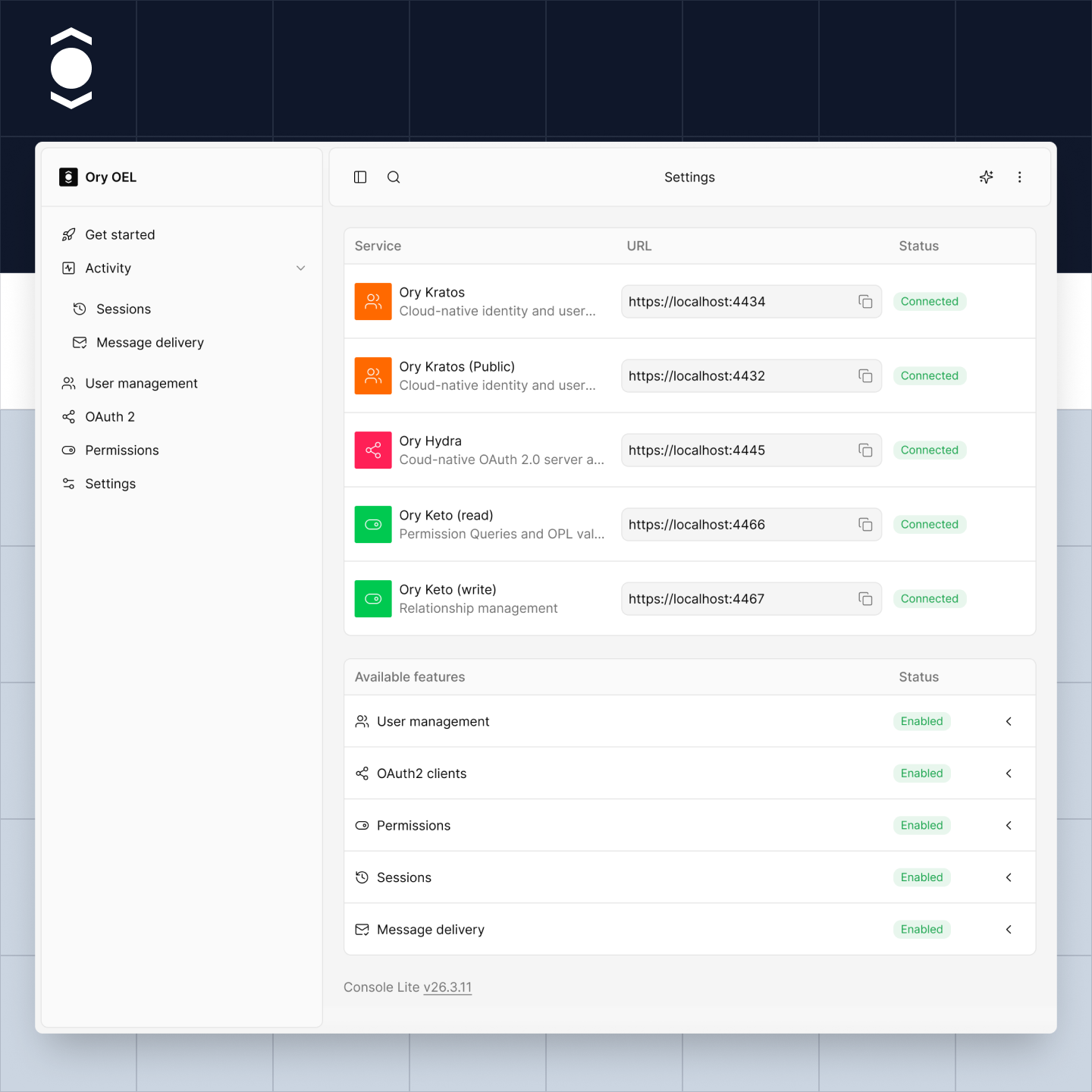
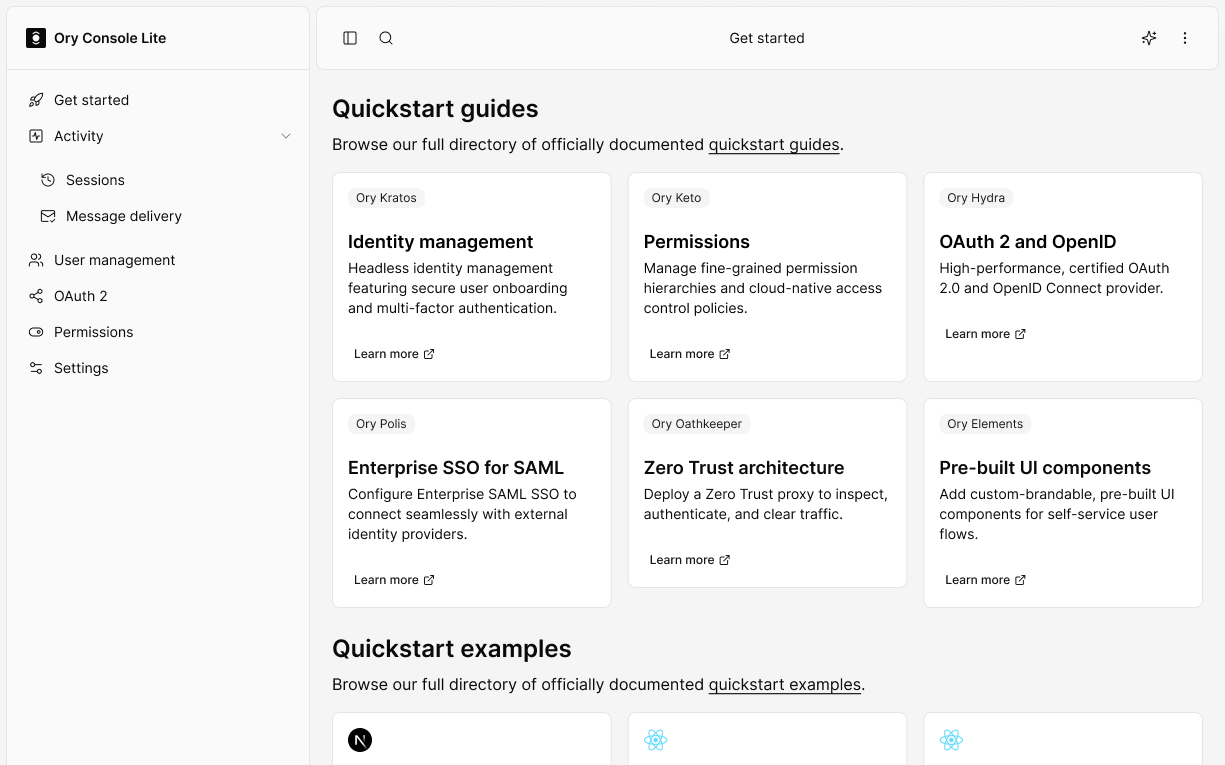
The updated Console brings a more consistent experience across Ory Network. You’ll see a new layout and navigation, along with improvements designed to make common tasks easier to find and complete.
Find what you need
Search Ory documentation and Console functionality from one place. Open global search with ⌘K on Mac or Ctrl+K on Windows.
Create identities without leaving the page
Create an identity directly in the Console, right where you’re working.
Work across devices
The new Console adapts to desktop and mobile screens, including more complex administrative flows.
Filter more consistently
Filtering works in a more consistent way across Console data views.
Choose your appearance
Use light mode, dark mode, or your device’s system setting.
Get answers with Ory AI
Need to know how to do something in Ory? Ask Ory AI. It uses Ory documentation to answer questions, explain steps, and help you find the information you need. Available on paid plans.
See the update in action
Join our live walkthrough for a look at the new navigation and key improvements. We’ll show how to find your way around, use search, create an identity in Console, and get help. There will be time for questions. **October 20 12:00 PM EST**
What to expect when it launches
The updated Console will be released to everyone on Ory Network. There’s nothing you need to do to get it. The navigation and visual design will look different, so some familiar destinations may be in new places. We’ll provide updated guidance to help you find them. Expected Availability = Coming Soon