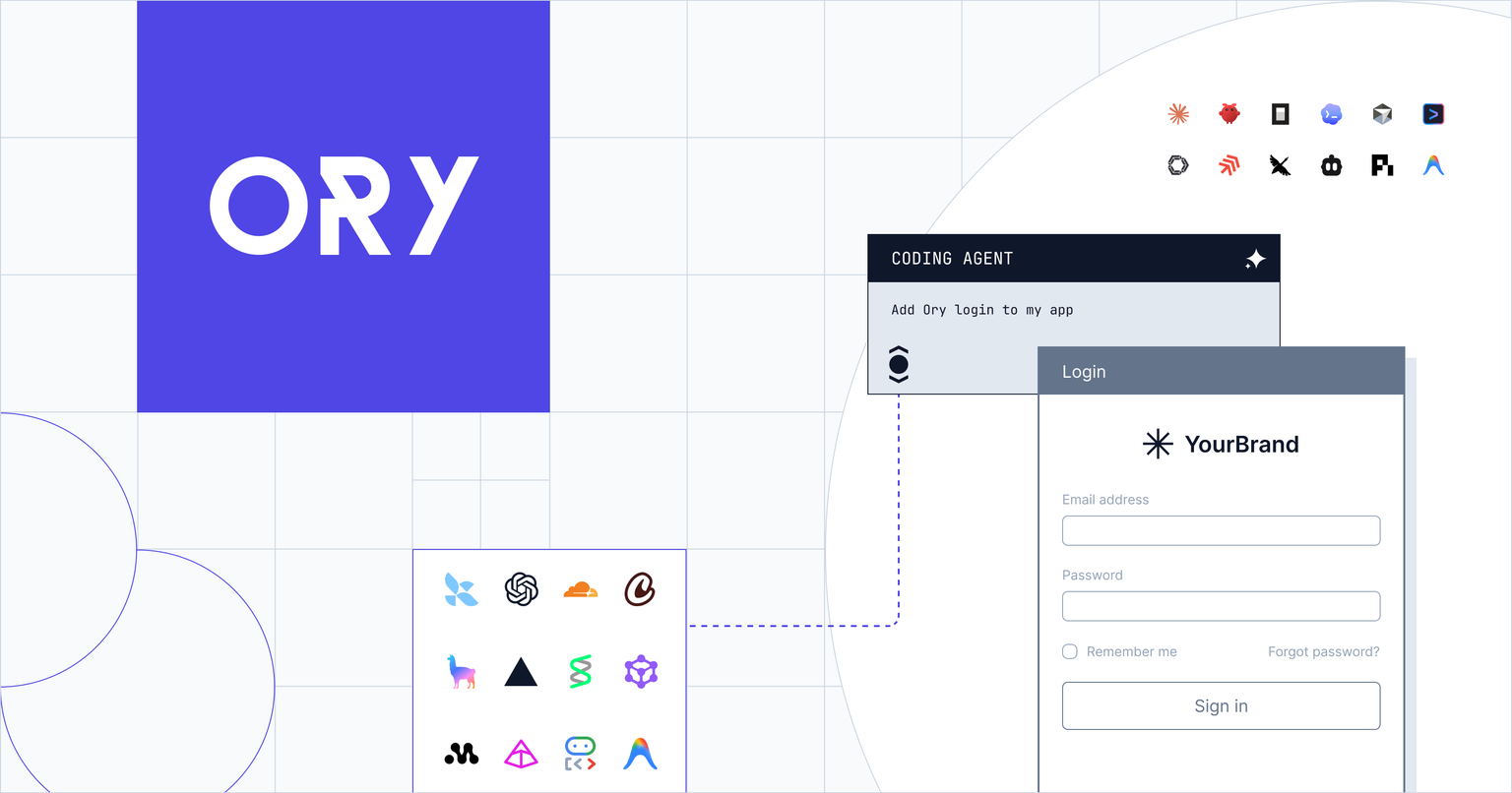
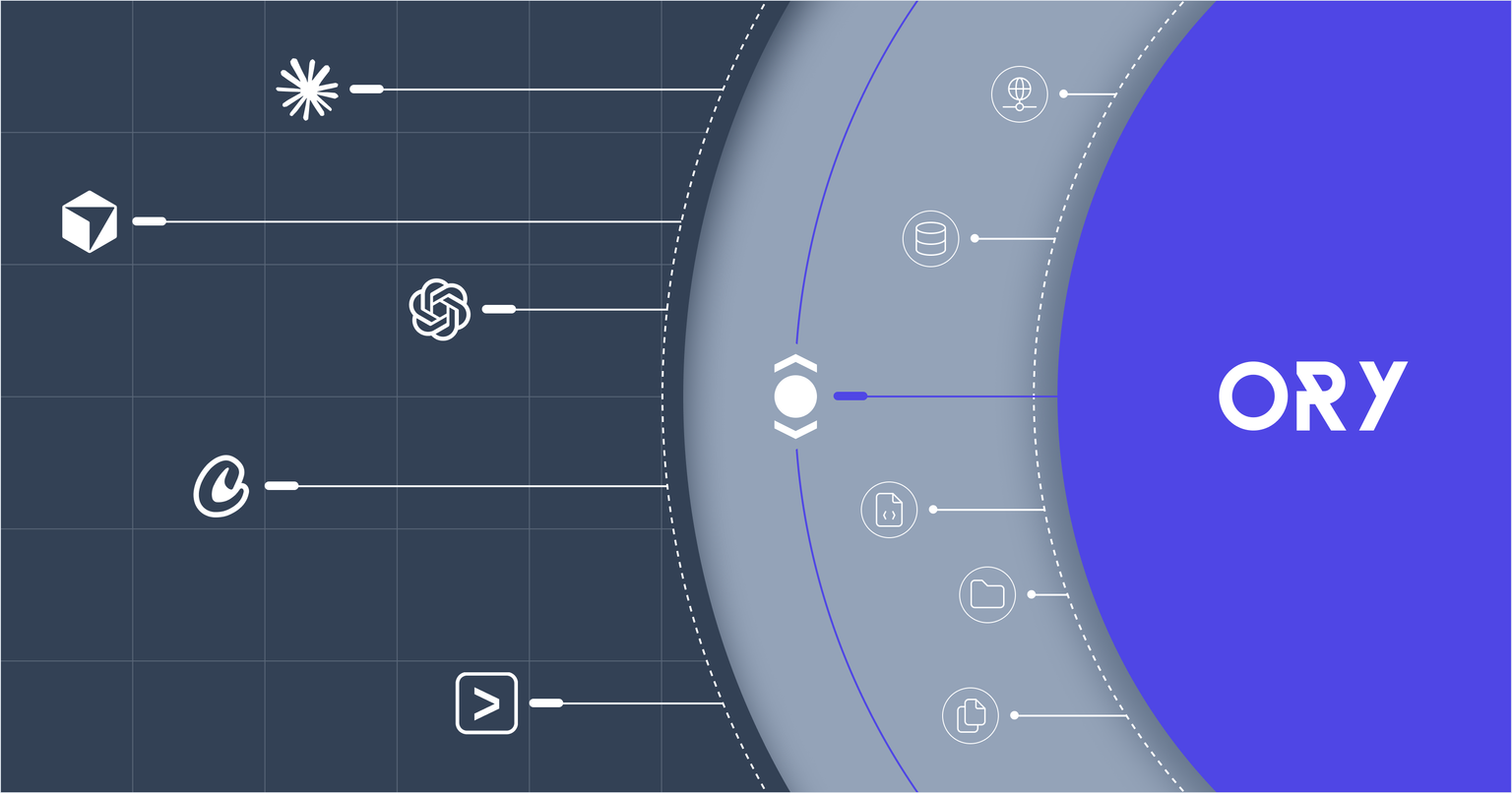
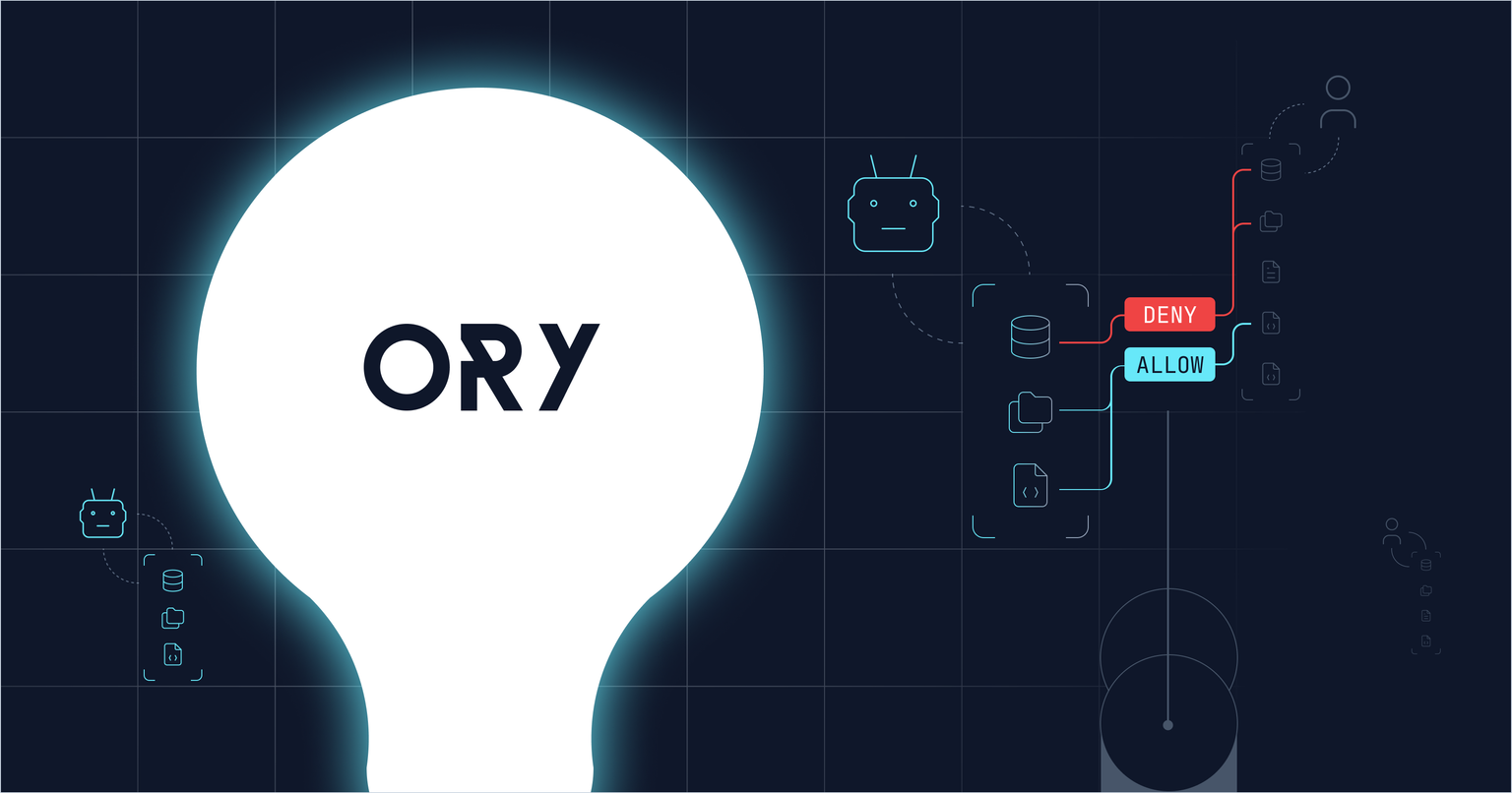
Ask any coding agent to add login to your app and you will get code. It will look right. It will import plausible symbols, render a form, and call something that sounds like a session API. Then it will fail on CSRF, or 500 on the server because the browser client got reused, or 404 because the app's routes and the project's redirect targets disagree — and you will spend an afternoon deciding whether the bug is in your app, in Ory, or in the agent.
That afternoon is the problem Ory Agent Plugins solve. Install one, and your agent stops guessing at Ory and starts following a playbook: ten skills, a local Ory stack in Docker, 54 Ory API tools over MCP, and a trace of everything it did to your codebase.
All of it ships with the plugin, and almost none of it needs an Ory project or an account. From the README:
The developer experience is always included. The Ory skills and commands, the local Ory dev stack, the MCP server, and local tracing of every tool call. None of it needs an Ory project or an account, so installing the plugin is all it takes — there is nothing to configure and nothing that can switch it off.
So: ask your agent "add Ory login to this app" and it scaffolds the pages, starts a local Ory, and wires them together.
Part 1 — Why an agent needs a playbook for this
Auth is a bad fit for an agent working from pretraining. The APIs move, the framework integrations are recent, and the failure modes are all in the wiring rather than the code. Plausible-looking auth code is the worst kind, because it type-checks.
The ory-auth-setup skill opens with a correctness contract that names the whole failure space:
Almost every "Ory doesn't work" report comes from one of four wiring mistakes in the generated app — not from Ory itself and not from the agent plugin governing this session. Treat each as a hard requirement, and verify all four before telling the user the app is ready.
- Ory must be first-party (same site as your app), or every flow fails CSRF.
- The app's routes must match what Ory redirects to, or you get 404s.
- Server-side session/flow calls must forward the request cookies, or they 500/401.
- The SDK URL env var must be set at runtime, or the SDK 500s on construction.
On the third: "Reusing the browser client on the server is the single most common 500." Every developer who has integrated an identity provider recognizes all four. None of them are discoverable from an API reference, and all four are load-bearing.
The skills also carry opinions, which is the point of a playbook. ory-auth-setup makes Ory Elements mandatory by default:
If you find yourself writing flow.ui.nodes.map(...) to render auth UI, stop and switch to Ory Elements. Custom node rendering is a fallback, not a parallel option.
The hand-rolled path is documented — iterate flow.ui.nodes by node.type, group by node.group, submit via flow.ui.action — with the verdict attached: "This is significantly more code than <Login flow="{flow}"/> and must track Ory flow API changes manually." An agent left to its own devices will absolutely write the long version.
And there's a triage rule, which matters more than it sounds:
Quick triage: if curl to the flow API (check 2) succeeds but the app page fails, it's the app. If curl fails, it's Ory/tunnel config. Neither is the plugin unless status reports a problem.
The generated login pages are ordinary code in your repo. The plugin governs the coding session — it never serves your app's HTTP routes. Being able to tell those apart from the first symptom is most of the afternoon back.
Part 2 — Zero to a working login page, no Ory account
Here is the actual loop. Existing Next.js App Router app, Docker running, no Ory account.
Install. One command, plus one to check it:
npx -y -p @ory/claude-code ory-claude install
npx -y -p @ory/claude-code ory-claude status
That writes the plugin under ~/.config/ory-agent-plugins/claude-code/ — ten SKILL.md directories, three commands, the hook config, and an .mcp.json registering the Ory MCP server. Or from inside Claude Code: /plugin marketplace add ory/claude-plugins then /plugin install ory-agent-plugin@ory.
On Cursor it's npx -y -p @ory/cursor ory-cursor install, which merges Ory entries into ~/.cursor/hooks.json and ~/.cursor/mcp.json and writes thirteen ~/.cursor/rules/ory-*.mdc guidance rules (--project to target ./.cursor instead). Same canonical skill text, materialized as whatever the harness natively understands — Claude Code slash commands, Gemini CLI TOML commands, OpenCode markdown, Codex and OpenClaw user-invocable skills, Cursor "Agent Requested" rules. One template set, no per-harness copy to drift.
Ask for what you want.
add Ory login to this app
ory-auth-setup triggers on that phrasing — its description covers "add login, registration, account recovery, email verification, account settings, or session management … even if they only mention 'auth', 'sign-in', or 'users'." Its first step asks the one question that actually branches: Ory Network, or a local stack?
Say you don't have an account. The agent hands off to ory-local-dev, gates on docker info, and runs:
npx -y -p @ory/claude-code ory-claude local up
That generates .ory-dev/ory/ in your project root — regenerated on demand, most files headed "Do not edit manually; re-run 'local up' to regenerate", and worth adding to your .gitignore — and brings up Kratos, Keto, Hydra, an nginx gateway, a login UI, and Jaeger. It waits on gateway health, then on Kratos-admin, Keto-write, and Hydra-admin readiness before seeding — because the Ory containers declare no healthcheck, so a cold-start seed can otherwise race the services and silently write nothing.
The seed creates a test identity ([email protected]), a public PKCE OAuth2 client, and 168 permission relation tuples: one per tool in the 62-tool catalog, one per word in the 106-word shell catalog. Ports are the stock upstream Ory ones — 4433/4434, 4444/4445/5555, 4466/4467 — with the gateway on :4000, the login UI on :4455 (not :3000, to dodge Next.js clashes), and Jaeger on :16686. That choice is deliberate and self-aware: they're the ports every Ory doc uses, which also means a developer who already runs Ory locally collides on the first run. Hence ORY_LOCAL_PORT_OFFSET=100 to shift everything, or ORY_LOCAL_<SERVICE>_PORT to pin one.
Point the app at it. Two lines in .env.local:
NEXT_PUBLIC_ORY_SDK_URL=http://localhost:4000
ORY_SDK_URL=http://localhost:4000
And then the single sharpest line in the whole skill catalog:
Skip the Ory Tunnel step when developing against the local stack. The tunnel only exists to bridge cookies between localhost and Ory Network. The local gateway already runs on localhost, so cookies work directly.
Everything else — the SDK config, the pages, the middleware — is identical to the Ory Network setup. You are not learning a dev-only dialect.
Get the pages.
npm install @ory/elements-react @ory/nextjs @ory/client-fetch
ory-login-flow carries five complete, paste-ready App Router components plus the error page and the middleware:
app/auth/login/page.tsx          getLoginFlow        → <Login flow={flow} />
app/auth/registration/page.tsx   getRegistrationFlow → <Registration flow={flow} />
app/auth/recovery/page.tsx       getRecoveryFlow     → <Recovery flow={flow} />
app/auth/verification/page.tsx   getVerificationFlow → <Verification flow={flow} />
app/auth/settings/page.tsx       getSettingsFlow     → <SessionProvider><Settings/></SessionProvider>
app/auth/error/page.tsx          getFlowError        → error view
middleware.ts                    createOryMiddleware({ protectedPaths, publicPaths })
Note <Settings> — the one non-obvious API rule in the set, and exactly the kind of thing an agent gets wrong:
Unlike the other flows, <Settings> must be wrapped in <SessionProvider> from @ory/elements-react/client. Settings renders session-dependent controls (connected social accounts, unlinking, logout of other sessions) that read from the session context; the pre-auth pages (login, registration, recovery, verification) have no session yet and do not need the provider.
There's a React SPA variant too (Vite, CRA, Remix client routes) using createBrowserLoginFlow and import.meta.env.VITE_ORY_SDK_URL. Vue and server-rendered template engines get the hand-rolled fallback path — honestly labeled as such.
Verify in an order that isolates failures. The skill's four checks each isolate a different failure class, two of them labelled against specific contract items:
curl -i "$NEXT_PUBLIC_ORY_SDK_URL/self-service/login/browser"
then a 200-not-404 sweep of the /auth/* routes, then a real registration, then a protected route signed-in and signed-out. When check one passes and the page still fails, you already know it's the app.
Count the accounts you had to create to get here: zero.
Part 3 — What else the plugin gives your dev loop
Your project, from the chat
Every plugin registers the Ory MCP server, which exposes 54 tools — 53 shelling out to the ory CLI, one generic REST call for everything else. Identities, OAuth2 clients, relationships and permission checks, projects, identity/OAuth2/permission config, workspaces, organizations, JWKs, event streams.
Which means the questions you'd otherwise answer by alt-tabbing to the Console become part of the conversation. "Did that test signup actually create a user?" → ory_list_identities. "Is User:alice allowed to view Doc:readme?" → ory_check_permission, which wraps ory is allowed. "Turn on Google login for this project" → ory_patch_identity_config. "Delete the three test accounts I made" → ory_delete_identity. "Is this token still valid?" → ory_introspect_token.
Auth is the CLI's own session — run ory auth once. Where a bearer is needed, one security detail is worth knowing: the env-configured credential is attached only for trusted Ory origins — loopback over http or https on any port, oryapis.com and its subdomains over https, api.console.ory.sh over https, or your configured project origin. Anything else still gets the request, without the credential, and the tool result says so. As the docs put it: "this prevents a prompt-injected agent from exfiltrating your admin API key to an arbitrary host."
Seeing what the agent did to your repo
Every tool call is traced with no configuration, one JSON span per line, at ~/.config/ory-agent-plugins/<harness>/ory-agent-trace.ndjson. Watch it live:
npx -y -p @ory/claude-code ory-claude watch
You get a timestamped, colored line per span — event name, trace prefix, a status glyph, duration, then the tool name, the allow/deny result, and the session, identity and client ids. The richer per-tool detail is in the NDJSON itself: filePath for file operations, bashExitCode and stdout/stderr sizes for shell, urlHost for network tools. status prints the last five spans without you asking.
This turns out to be a better answer to "what did it just do to my codebase" than scrolling the transcript, because it's structured, it's per-call, and it has durations. And it's safe to leave running:
Raw command strings, file contents, request bodies, full URLs, and tool outputs never appear in spans.
Sizes and truncated hashes instead. A file path without the contents. A URL's host without its path or query. Raw commands go only to the local debug log under ORY_AGENT_DEBUG=true, never to an exporter.
Spans in a session share a trace ID derived from SHA-256(sessionId), so subprocess-based plugins correlate across separate process invocations. local up already runs Jaeger; local env prints the OTLP export line if you want the UI at :16686. Export is standard OTLP/HTTP through the official exporters, so any collector with an OTLP/HTTP receiver takes it — gRPC is intentionally not supported. (If your harness strips OTEL_* from hook subprocess environments — Claude Code does — every variable has an ORY_OTLP_* alias.)
The rest of the catalog
Six of the ten skills go past scaffolding a login page. (The tenth, ory-permissions-onboarding, belongs to the security half.)
ory-social-login names eight providers, with console credential walkthroughs and ready-made ory patch identity-config blocks for five of them — Google, GitHub, Apple, Microsoft, Discord — plus the exact callback URL shape and a Jsonnet claim mapper. The punchline is that if you used Elements, no frontend changes are needed: <Login> and <Registration> read available methods off the flow and render the buttons, icons and labels included.
ory-login-flow's MFA section is project-side only: passkeys, TOTP, backup codes, email-code MFA, all ory patch identity-config, no page changes. Plus the step people skip: "Enabling a method only lets users enroll — it does not require the second factor." You need required_aal="highest_available" on both the settings flow and whoami, or your MFA is decorative.
ory-build-integration pulls a runnable template from ory/integrates into your app — webhook, config, or http-event (the Enterprise live event stream), chosen from what you describe — with real curl commands and a hard stop if a fetch fails: "do not fabricate handler code." ory-contribute-integration runs the same in reverse, guiding a PR back to the registry.
ory-build-agent wires @ory/argus into an agent you own, with the hook point for each SDK: the Claude Agent SDK's canUseTool, an OpenAI Agents per-tool execute wrapper or RunHooks.onToolStart, a Mastra execute wrapper, a Vercel AI tool wrap, a PydanticAI decorator stack, a LangGraph ToolNode wrapper. And there's ory-temporal-worker (every Activity gated, Workflows stay deterministic) and ory-e2b-sandbox (an E2B template that boots with the plugin already installed).
The whole catalog lives as ten canonical SKILL.md files in @ory/argus — roughly 2,900 lines of guidance in one place, rendered per harness, with no copies to drift.
Honest limits
Docker is required for the local stack — plus Node 22 or newer for the CLI itself — and nothing else is. Recovery and verification are disabled in the local Kratos config, so those two scaffolded pages can't be exercised end-to-end locally without editing config. The local gateway covers the browser self-service, session, OAuth2 and relation-tuple surface, not the entire API; unrouted paths return a clear 404 rather than something confusing. Most social IdPs need public callback URLs, so that's usually where you move to an Ory Network project. The Ory container images are unpinned, so the data is deterministic but the service versions aren't.
And the honest caveat on the MCP half: 53 of the 54 tools shell out to the ory CLI, which needs to be on your PATH and authenticated with ory auth against a project. So that one part of the dev loop does want an Ory account, even though nothing else does.
One disclosure: the published npm harness plugins and TypeScript SDK integrations report a best-effort install event to Reo — package and version, OS and architecture, OS and Node versions, CPU count, a CI flag, a timestamp, a random per-event id, and the domain part of the installer's git email, never the full address. REOVA_ANALYTICS=false or DO_NOT_TRACK=1 opts out. The shared @ory/argus and @ory/mcp-server packages report nothing, and the Python packages don't use Reo at all.
And then there's the other half
Everything above works with no Ory project. When you do give the plugin a project — three values from the Ory Console — the same installation becomes a security control: an OAuth 2.0 sign-in for the human, a distinct identity for the agent, a permission check in front of every gated tool call, and a delegation record that survives the tokens involved.
npx -y -p @ory/claude-code ory-claude configure \
  --project-url https://<slug>.projects.oryapis.com \
  --agent-security-url https://agents.console.ory.com \
  --oauth2-client-id <sign-in client id>
The two halves don't interfere. Connecting a project takes nothing away from the dev loop — the local stack still runs, the skills still work, and configure --disconnect puts it back. That side of the story is its own post.
Eleven coding-agent harnesses — Claude Code, Codex, Cursor, Gemini CLI, OpenCode, OpenClaw, Continue, Goose, Cline, Amp, Pi, Google Antigravity — fourteen agent SDK integrations, one shared core in TypeScript and Python. The install surfaces are public: ory/claude-plugins, ory/codex-plugins, and ory/gemini-cli-extensions, plus the @ory/* packages on npm and the ory-* packages on PyPI.
Install it and ask your agent for login. The interesting part is how little you have to know first.