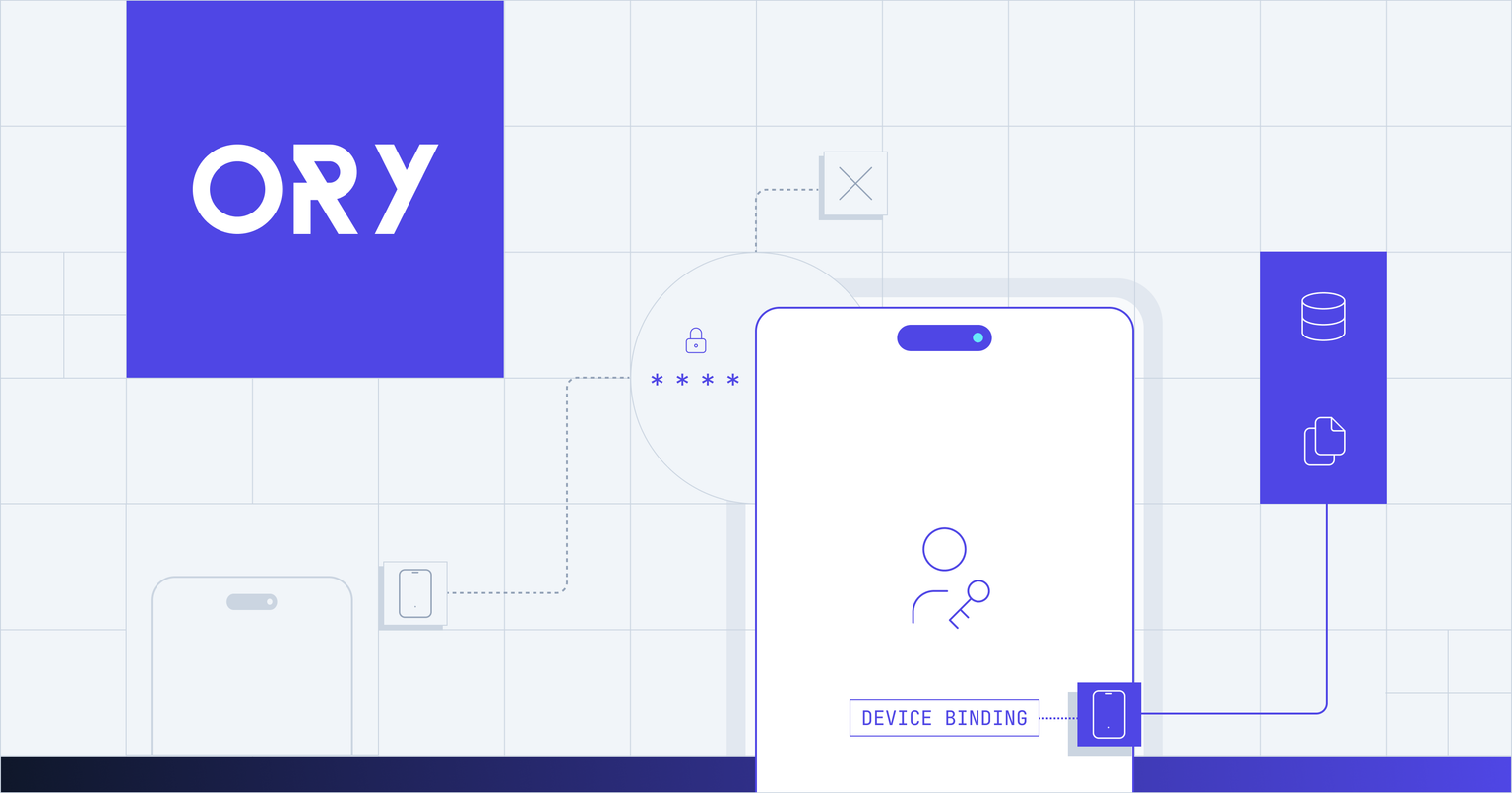
Device binding, also known as device authentication, cryptographically ties a user's login to one specific, verified physical device rather than to a credential that could plausibly come from anywhere.
Most authentication proves someone holds the right credential: a password, a one-time code, a token. It rarely proves which device they're holding it on. Security has long organized authentication into three categories: something you know, something you are, and something you have. Device binding fills that third category more rigorously than anything before it, requiring not just any device capable of receiving a code, but one specific, verified piece of hardware. That gap is exactly what account takeover attacks exploit, and it's why banks, fintechs, and other regulated, mobile-first businesses ask for device binding by name instead of settling for generic multi-factor authentication.
The problem with credential-only authentication
A password can be phished. A one-time code sent by SMS can be intercepted or socially engineered away from a support line during a SIM swap. Even a hardware token or an authenticator app proves someone has access to a credential, not that they're using the account holder's actual, approved device.
Passkeys improve on this substantially. They're phishing-resistant and built on public-key cryptography instead of a shared secret. But most passkey implementations sync across a user's devices through iCloud Keychain or Google Password Manager, by design, so the same passkey can end up usable from a laptop, a tablet, and a phone the business never explicitly approved. For a password manager, that's a feature. For a business that needs to say "only this phone can access this account," it's the opposite of what's needed.
What is device binding and what does it do?
Device binding (or device authentication) ties a login to a private key generated inside a specific phone's secure hardware, the Secure Enclave on iOS or the Android Keystore on Android. That key is created once, never leaves the hardware it was generated on, and cannot be exported, copied, or synced anywhere, including to a backup of the same phone.
What makes this verifiable, rather than a claim an app makes on its own behalf, is attestation. At enrollment, Apple or Google issues a signed statement certifying that the key genuinely lives in that hardware, on a real, unmodified device, not an emulator or a device with a compromised operating system. Ory's server checks that attestation before it ever trusts the key, so the guarantee doesn't depend on taking the app's word for it.
How does device binding compare to passkeys?
Device binding and passkeys both rely on public-key cryptography and can both use platform biometrics, but they're built to satisfy different requirements.
| Device binding | Passkeys |
|---|
| Key location | One physical device only | Can sync across a user's devices |
| Cloud sync | Never | Common, via iCloud Keychain or Google Password Manager |
| Browser support | Native apps only | Yes |
| Best fit | Access restricted to one approved device | Passwordless login across any of a user's devices |
Passkeys optimize for convenience across a user's whole device fleet. Device binding optimizes for a different guarantee: that access stays confined to one specific device a business has approved, which is the requirement a bank or fintech typically can't compromise on.
How the flow works
Device binding happens in two stages. At enrollment, the device generates its key pair in secure hardware, obtains an attestation from Apple or Google proving where the key lives, and sends the public key and attestation to Ory. The server verifies the attestation, and the device is enrolled against the user's identity.
At login or step-up, the server sends a cryptographic challenge. The device signs it with its private key, after a biometric or PIN check unlocks that key, and returns the signature. A valid signature confirms both that the request came from the enrolled device and that the user was present to unlock it.
Device binding works in two modes. As a second factor, an enrolled device steps up an existing session to a higher assurance level before a sensitive action, like approving a large transfer. It can also work as a first factor: an enrolled device, unlocked with an app PIN or platform biometrics, signs a user in directly, with no password and no SMS code in the flow at all.
The PIN option matters as much as the biometric one. Biometric login is convenient, but it assumes every user has a phone with Face ID or a fingerprint sensor and trusts it enough to use it. Plenty of mobile banking users, especially on older or budget devices, don't have that option, or have a sensor they'd rather not rely on.
Ory addresses this by providing an app PIN, which closes that gap without weakening the security model. It's scoped to the enrolled key rather than the phone's screen lock, it's never transmitted or stored anywhere in a recoverable form, and the server rate-limits wrong guesses without ever seeing the PIN itself. After a set number of consecutive failures, the key locks and its secret is destroyed, which means a stolen phone or a stolen backup of one gives an attacker nothing to guess against offline.
Where this fits in an assurance model
A successful device-bound login, by PIN or biometrics, satisfies AAL2 under NIST SP 800-63B's authenticator assurance model, a multi-factor cryptographic authenticator, reached in a single request rather than a password-plus-step-up sequence. Keys stored in a dedicated security chip, such as Android's StrongBox, may support AAL3 in a future release.
Getting started
Device binding is available on Ory Network and with the Ory Enterprise License, supporting iOS 14.0 and later and Android SDK 24.0 and later through native Swift and Kotlin SDKs. See the device authentication documentation for the full protocol reference and platform guides.
Further reading